Bubble Calendar
December 13th, 2009
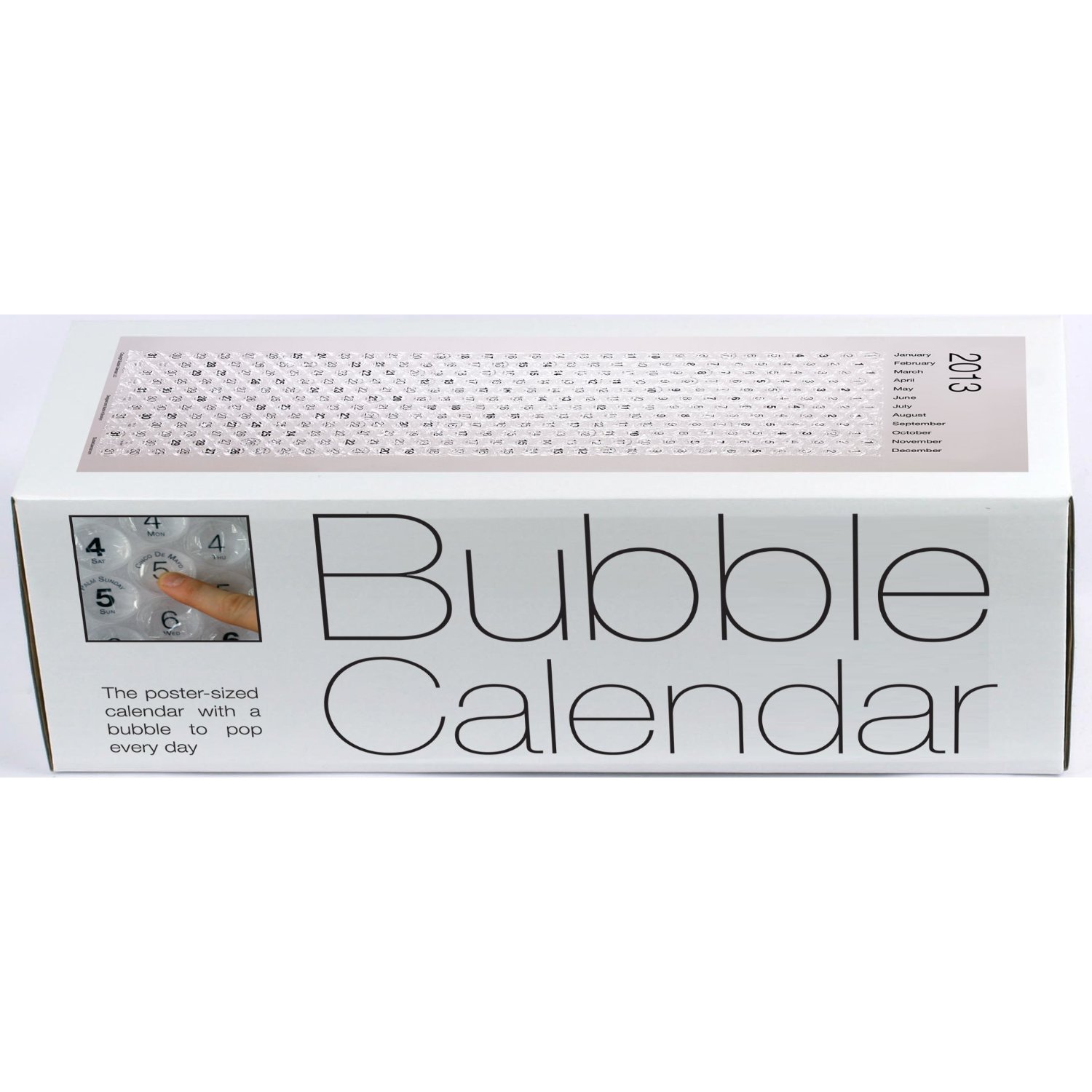
For only $20 you can own this bubble calendar. Finally, a legitimate way to pop bubble wrap every day.
Grandfather Grandfather Clock
December 11th, 2009
Brian Shaler pointed me to this sweet video which he dubbed the Grandfather Grandfather Clock.
Here’s how Brian describes it: “You put your grandfather IN the grandfather clock!”
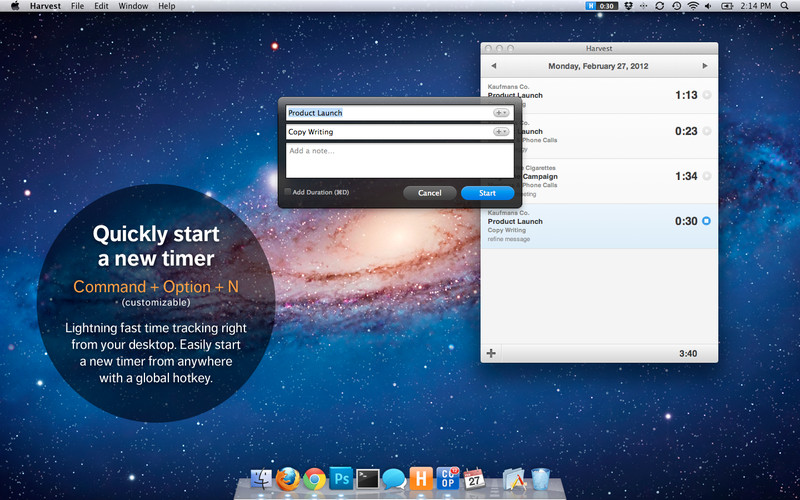
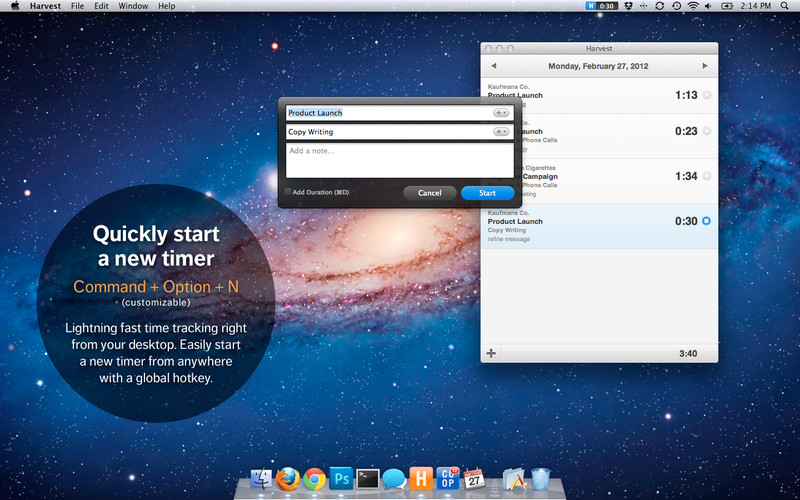
Methodologies in Time Tracking
December 9th, 2009

The way I see it there’s 3 basic methodologies in which people track their time.
1. Track time with a stopwatch
This is the most accurate method available to track your time, because you don’t need to rely on your memory. Okay, so maybe it would be more effective to have an executive assistant standing next to you with a clip board and a stopwatch, but not everybody can afford that! Using a stopwatch is the next best thing because you are tracking time as you work.
2. Track time after the fact with manual time entry (from memory or notes)
I suspect a significant number of people are still tracking time manually — after the fact — when they could switch to a stopwatch with better results. Based on my experience it’s nearly impossible to remember everything you did, and how long it took.
3. Use software that “knows” what you are working on, and then filter and sort the time later
A number of tools have been released that track your computer usage and then give you reports about what you were working on Two that come to mind are RescueTime and Lapsus.
How do you track your time? If you are tracking your time using one of these methods, you’re way ahead of the next guy. A large number of people don’t see the value in tracking time — so keep being awesome!
Scroll Bar Clock
November 18th, 2009
A web based clock made from scroll bars.
Bike Wheel Clock
November 3rd, 2009

This clock is made from a bicycle wheel. Very clever idea, and nice execution! It was sold on Etsy and was a one-of-a-kind. Fortunately, the designer has other clocks available.
Cool clock!
October 27th, 2009

A sweet looking clock that displays the current day and time in written form.
It doesn’t have to suck: paper based time tracking
August 23rd, 2009
Remember the days of paper based time tracking? Good thing those days are gone because adding up all of those timesheets takes lots of time!
Just in case you ever need to track time on paper, here are links to a few PDFs I’ve seen that you can print and use. They are all well designed so it makes it easier.
Pelago Paper Timesheet — A simple Letter sized timesheet designed for accurate tracking through a single day.

Simple Timetracking Sheet — A simple sheet designed for tracking multiple projects in a day.
![]()
The Printable CEO™ III: Emergent Task Timing — A clever PDF you can print and use to track your time.

Blue Flavor Version of Printable CEO — A variation with downloadable PDFs.

LEGO Powered Time Tracking — A clever LEGO hack.

Let me know if you know of any others you think I should link up.
How Different Groups Spend Their Day
August 2nd, 2009
The New York Times has a sweet information graphic that provides an interactive look at how most people spend their time.
Making Time Tracking a Habit
July 6th, 2009
Something I hear often from designers and developers is that they can never find the motivation to track their time — or they never remember to in the first place.
An underlying reason is that they simply don’t need to track their time in their job. A number of developers I know bill by the project and so there is no urgency to track time.
Convincing these people to track their time is nearly impossible, so I won’t try. I’ve put together a list of reasons why you might consider tracking your time if you happen to be one of these people.
For those who do need to track time, but dislike the process I suggest trying the following:
- Consider tracking time with a stopwatch based time tracking system. Not only will a stopwatch remind you that you’re on task, but it should keep you from becoming distracted because you’ll know the timer is running. The next time YouTube or Facebook call to you, you’ll realize you need to stop the timer.
- If a stopwatch isn’t your thing, you can always manually log your time after-the-fact. But you should know that your memory will never be perfect. If you forget about 15 minutes of possible billable time per day the lost earnings could cost you dearly.
- Track your billable time, and your unbillable time. The reason you want to track your unbillable time is so you can gauge your billable efficiency over time. You’ll know whether you’re 50% billable, or 75%. Knowing that could mean the difference between success and failure.
- Compare notes with coworkers or friends. Tracking time is best enjoyed as a team sport. Share your results with colleagues in your office, or outside.
- Don’t just log time to projects. Write detailed notes about what you did during that time period. You’ll find that the notes help with billing but at the end of the week you will have an at-a-glance report of what you did.
I realize that time tracking isn’t for everybody, but if you need to do it as part of your job, I hope these tips help. Feel free to email with any questions you may have about time tracking. I’ve been tracking my time for over 3 years now, and I love it!
Update: There are a few time tracking apps that will automatically pop up and prompt you to let them know what you are working on. You can set a frequent interval, such as every 15 minutes. This forces you to enter your time constantly through the day.
Personal Productivity Blogs
July 6th, 2009
I read a large number of personal productivity blogs, and thought it would be fun to share two of them with you.
Steve Pavlina’s Personal Development for Smart People
A site that became wildly popular after it was revealed that the owner, Steve Pavlina, makes a living off of ads on the site. Pavlina even tried the concept of Polyphasic Sleep to the amusement of his readers (but then discontinued after some time). Another good article is titled How to Become an Early Riser.
David Seah’s Better Living Through New Media
Dave came up with an interesting idea a few years ago to create beautiful and useful productivity tools for himself. On paper. He calls them The Printable CEO, and shares his work with you for free and many people use them daily.
Andy Ferra, a designer in Phoenix I have had the pleasure of working with, wrote this about The Printable CEO:
One of the things I like about it most is it helps you define a clear system for prioritizing tasks and process to go through when you’re not being productive to help you get back on track.
Entrepreneurs can change the world
May 12th, 2009
Here’s a great little video that explains how entrepreneurs can change the world. I originally saw the link on Ward Andrews’ blog.
Status Calendar
April 19th, 2009
Twitter asks what are you doing? Brightkite asks where are you? Facebook asks what’s on your mind? Why not a calendar that asks what you are doing today?
If that strikes your interest, check out this sweet little pocket calendar for exactly that purpose.


Matchstick Calendar
April 18th, 2009
Austin Baker (a designer I’m friends with) shared a cool link with me for an interesting calendar that has a match for every day. Photos are below or click here for more information.


Singletasking
April 17th, 2009
Time Pursuer or Time Follower?
March 26th, 2009
End of last article: Some freelance professionals who track their time are clearly more productive than other freelancers, who also track their time, so what gives?
In previous blog entries, we learned:
- Time is real. It’s not a metaphor.
- Time moves forward, in front of you, never behind.
- People who track time uncover lost bits of time along the way. They are called Time Pursuers.
- People who don’t track time lose track of it and wonder where their day went. These are Time Followers.
It’s elementary, Watson.
By definition, if you track time during a project or throughout the day, you’re a Time Pursuer. While this is better than being a Time Follower (someone who doesn’t track their time), it doesn’t automatically give you more clues about how to better keep up with Time in the future.
Time clues are a messy thing. The more you take note of this time clue and that time clue – Yes: physically stop what you’re doing, write down what time of day it is, consider how far you’ve come and look ahead to how much you’ve got left to do – the more evidence you’ll have when you later review the clues you discovered.
Inside each time clue is an opportunity to make more money. The trick is in knowing how to open the clue and take advantage of that opportunity. The only way you can do that is track your time.
Some Time Clues & What They Mean.

Clue: For any given hour of billable time, you habitually spend a few minutes distracted. For example, hopping online and chasing down your latest Internet fancy of the moment. You do this often. You’re okay with this. It’s not like you’re losing sight of the Time path, just stepping off for a little rest in the shade.
Meaning: Add up those little moments here and there and you’d find passing on earning thousands more dollars a year.
Apply it: Forget about yourself for awhile. Spend 100% of that hour on your client. Schedule a break for later. You’re enjoy not working more and you’ll have made more money.

Clue: Checking emails always takes longer than you expect; Travel time to meet a client rarely includes packing up your things, getting out the door, finding a parking spot, etc.
Meaning: You’re relying on your expertise or ability to focus to do its magic “in the moment”.
Apply It: Track un-billable time as much as you track billable time. If an email can’t be replied to in less than five minutes, make a phone call.

Clue: A project or task took twice as long as expected.
Meaning: You overlooked something. Most likely, you didn’t include “Transitional Time” between phases of a project or task. For example, Drafting the initial Agreement, phone discussions, answering emails where a phone call would have been better, travel time to meetings, etc.
Apply It: Make a checklist of all the steps required to complete this type of project or task, including transitional items. My father has a formula for what it looks like: “Take your estimate. Double it. Add a third. And hope you’re half right.” Knowing how long it really takes to do a project or task will make new estimates creation much easier and more accurate.

Clue: At the end of the day, you don’t know where the time went.
Meaning: You prefer to be blissfully ignorant. 1. Imagine being able to show a prospective employer your billable efficiency. When a clock is running it helps you focus on the task at hand. Distractions like chat and web surfing tend to be pushed till later.
Apply It: Routinely review your time use. Experiment with tracking your time in different ways. Imagine being able to reduce client complaints because you include how your time was spent on a project with your invoices.
Here’s a personal example of my experience in pursuing time by tracking it (spurred on because I’ve been thinking about it much more as a result of writing these blogs).

Clue: Tracking Time is easy and makes me more productive. I’m a writer, so I track my time with the Mac version of Microsoft Word. It has a “Notebook” option that allows me to create tabs along the right side of any project. The very top tab is “Minutes”, which is where I track my time. The tabs below it are where I store my various drafts.
Meaning: I’ve got a method for keeping track of time that is easy, intuitive and doesn’t get in the way of getting the project started or transitioning from one phase of a project to another or to a different project altogether.
Apply It: Continue to use my particular tool for tracking my time, but keep my eye out for something more robust; a way to pursue time that is still easy and “instant”, but that yields far greater time clues than my current method.
NEXT TIME: In preparation for the next blog, I’ll be taking a closer look at the time tracking tool I’d most like to see.
(Phoenix wordsmith Joey Robert Parks is primarily a non-fiction ghostwriter. In the last six years, he’s written five books for successful, entrepreneurial types; including: a fashion designer and stylist who got his start working for JFK and Oprah; and a book on creative innovation for a high profile, multimillionaire philanthropist. To see how productive Joey is this very moment, follow him on Twitter or visit www.joeyrobertparks.com)
Lexon Around Clock
March 25th, 2009
This clock looks really cool! It’s a cylinder that simply rotates and the position of the red line (which doesn’t move) indicates the current time. Brilliantly simple. I really want one.

You can buy the Lexon Around Clock online.
Billing hourly or by the project
March 24th, 2009

I think it’s a trend! More and more web design, development, and marketing companies are learning one of the best kept secrets in the business. Charging by the hour can be incredibly good for business.
A marketing / web design firm we’re friends with in Phoenix just switched from fixed-fee project rates to an hourly rate and wrote an excellent blog post about the switch.
They tout flexibility as one of the biggest advantages of charging by the hour. I would agree. It gives customers way more leeway in making changes, and doesn’t create a problem every time the scope of the project changes. This also frees staff up from writing detailed change orders, and revising estimates.
Our company, Tornado, made the switch to billing by the hour about 3 years ago and we haven’t looked back since! It’s a big relief on so many levels compared to billing by the project (fixed fee). I wrote about our experience a year ago in a post called: Two Years of Tracking Time: It’s worth it!
Which way do you bill your customers? By the hour or by the project?
Big Thrill Clock
March 10th, 2009
For the low, low price of $159 you can have this retro inspired clock which has a rotating board for each hour and minute of the day. How cool is that. Buy it here.
Why Email Starts Fights!
March 5th, 2009
Here’s an excellent reminder to say important things in person or over the phone. This video (3 min long) tells you why.
Only 7% of what we say is conveyed through words, the rest (broken out below) is voice inflection and visual cues.
- 38% Tone
- 55% Visual
- 7% Words
How many hours do you REALLY work each day?
February 7th, 2009
I’m not sure how many of you read Slashdot? I don’t read it, but a long time ago I subscribed to the Slashdot Poll because I found it entertaining and at the time it was one of only a few polls used online.
The current poll asks “How many hours do you REALLY work each day?” Fascinating question! At this time, 21,364 people have answered the poll. Here are the top 3 responses:
- 5-6 Hours – 24%
- 3-4 Hours – 19%
- 7-8 Hours – 16%
Anyways, I doubt that many of the responders actually definitively know the answer to the question. Nobody can constantly produce 100% efficiency every day. It’s probably impossible to do that with all of the distractions we have today. Hence the importance of limiting distractions in your day.